Verb tables
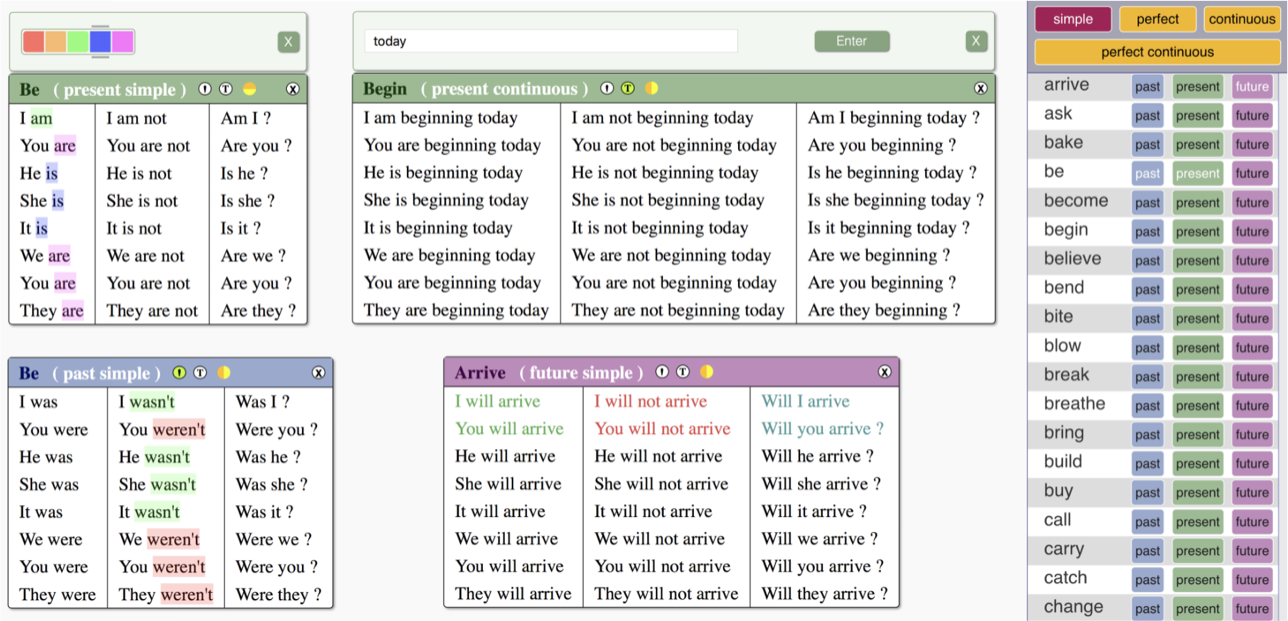
View full conjugations of around 200 common English verbs in all tenses. Highlight words in each table to draw attention to different grammatical structures.
Themed activities

A collection of 10 different activities to reinforce vocabulary learning. The activities are customizable using words from a wide range of different themes.
Speedy worksheets
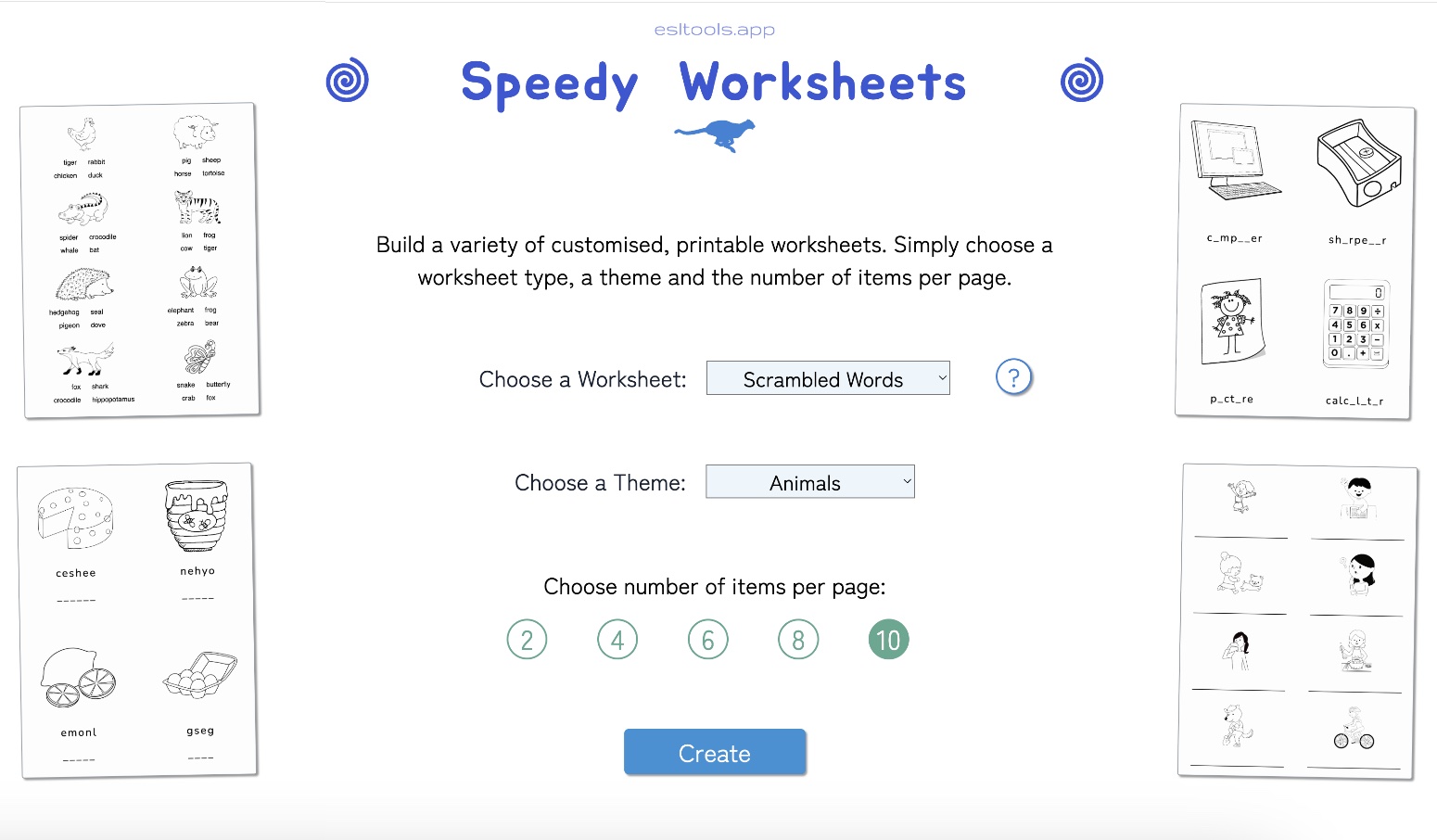
Create customized worksheets from a variety of different themes. Choose the vocabulary and instantly preview your ready-to-download PDF worksheet.
Custom flashcards
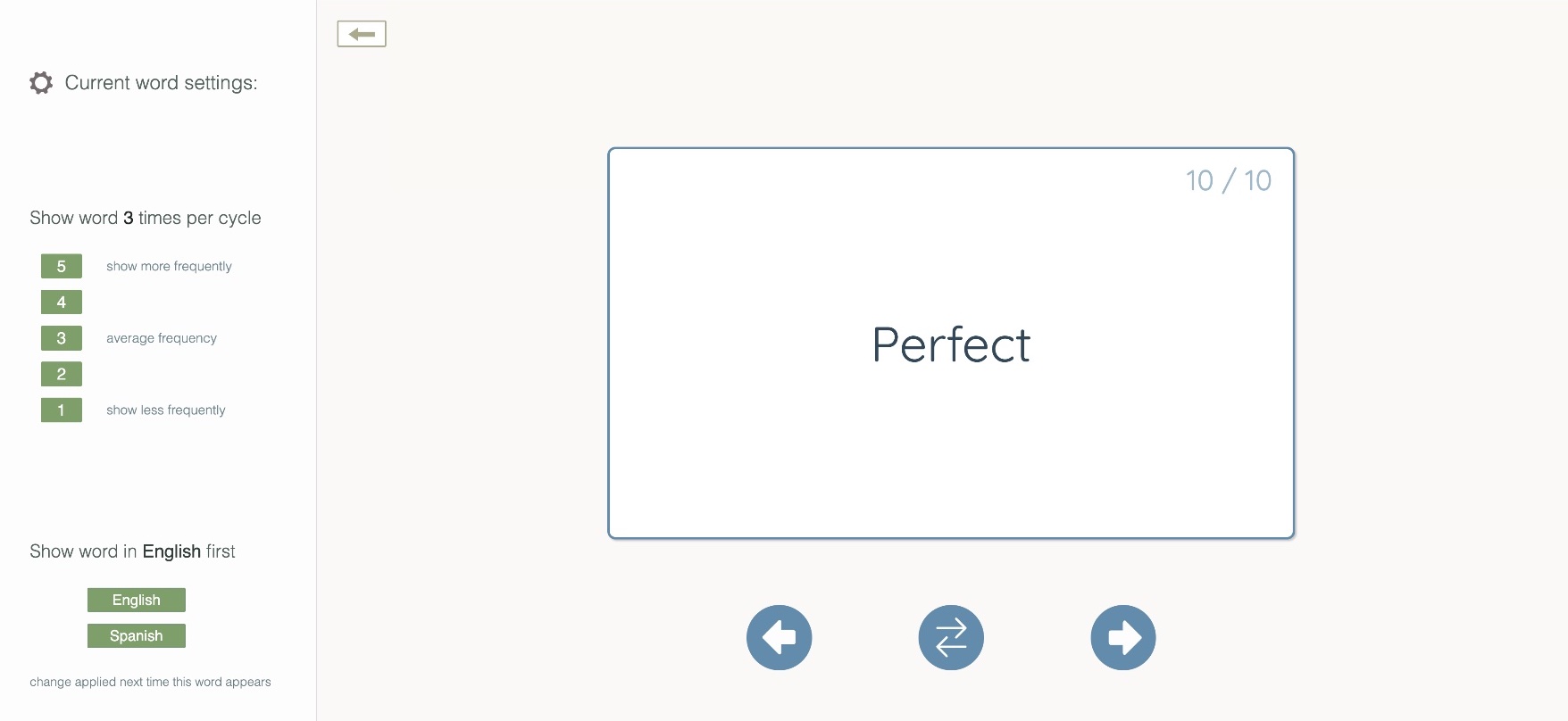
Construct personal bilingual dictionaries for individual students or groups. Then instantly turn their words and sentence lists into interactive flashcards.
Sentence transformer
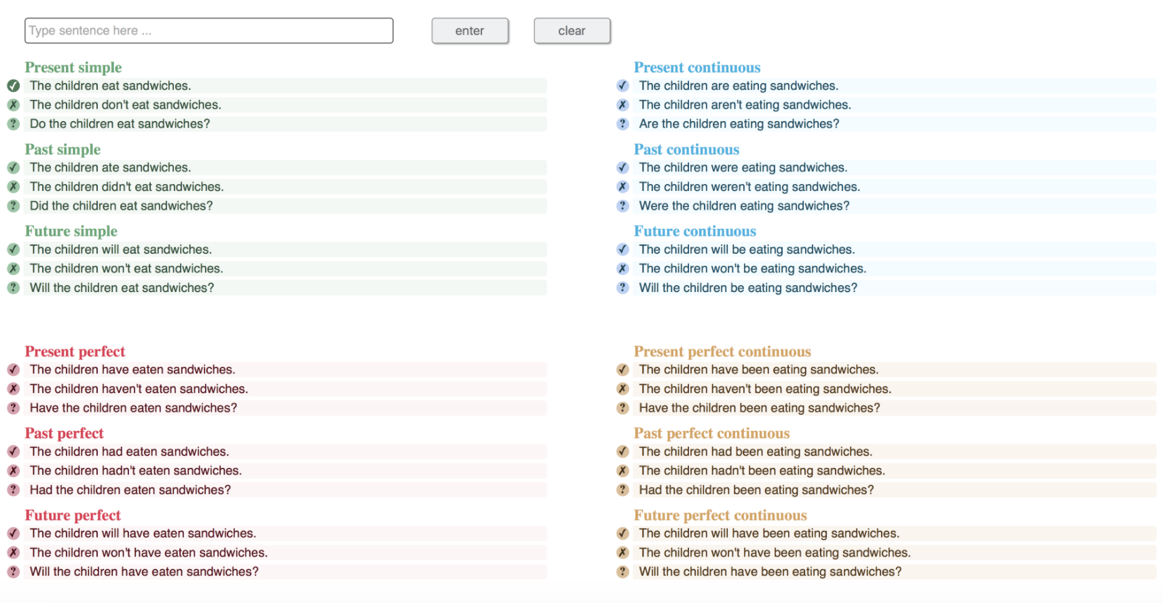
Discover how sentence structure changes across different verb tenses. Enter a simple sentence and transform it into all other tenses at the click of a button.
Sentence builder
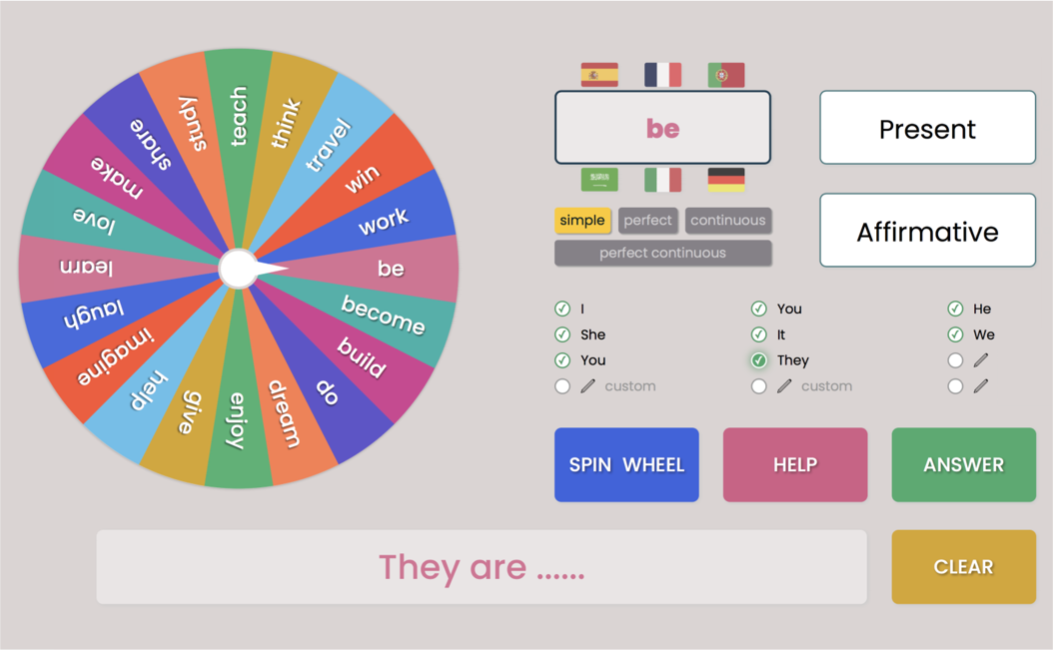
Generate random sentence parts at the click of a button for students to build into grammatically correct sentences. Customizable to the needs of each student.
Simple sentences

Explore the simple verb tenses in a visually engaging way. Click the buttons to see how structure changes across the different sentence types.
Order the words
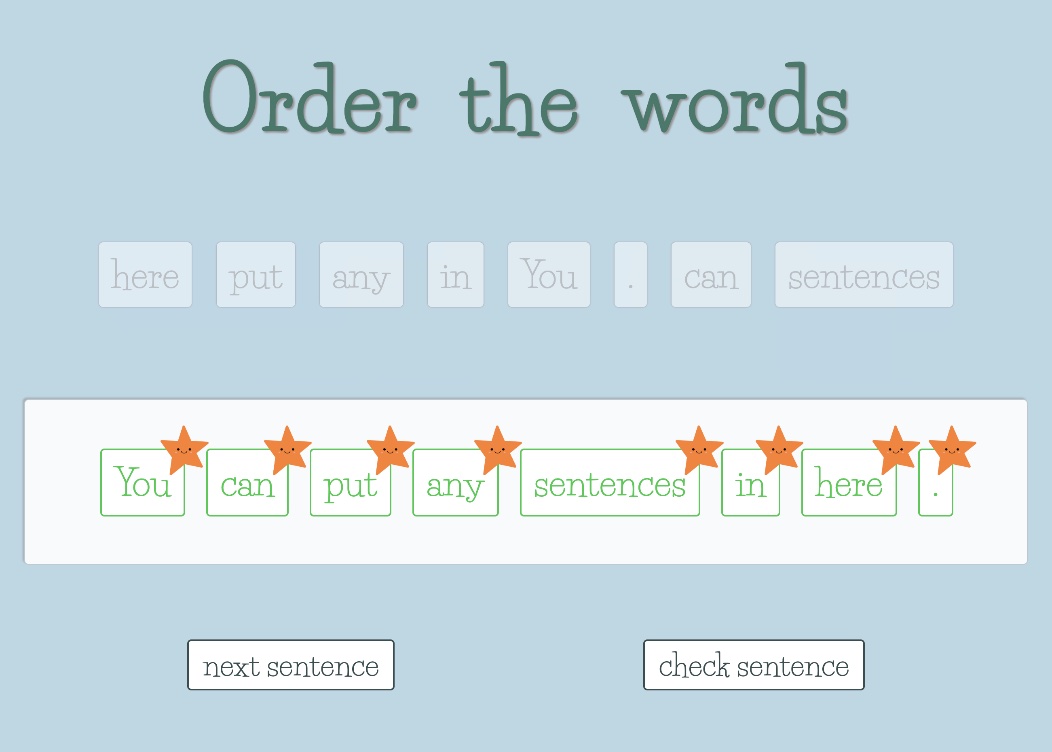
Create customized drag and drop sentence building activities from a list of any sentences. Sentences are automatically scrambled for students to reorder.
Listen and match
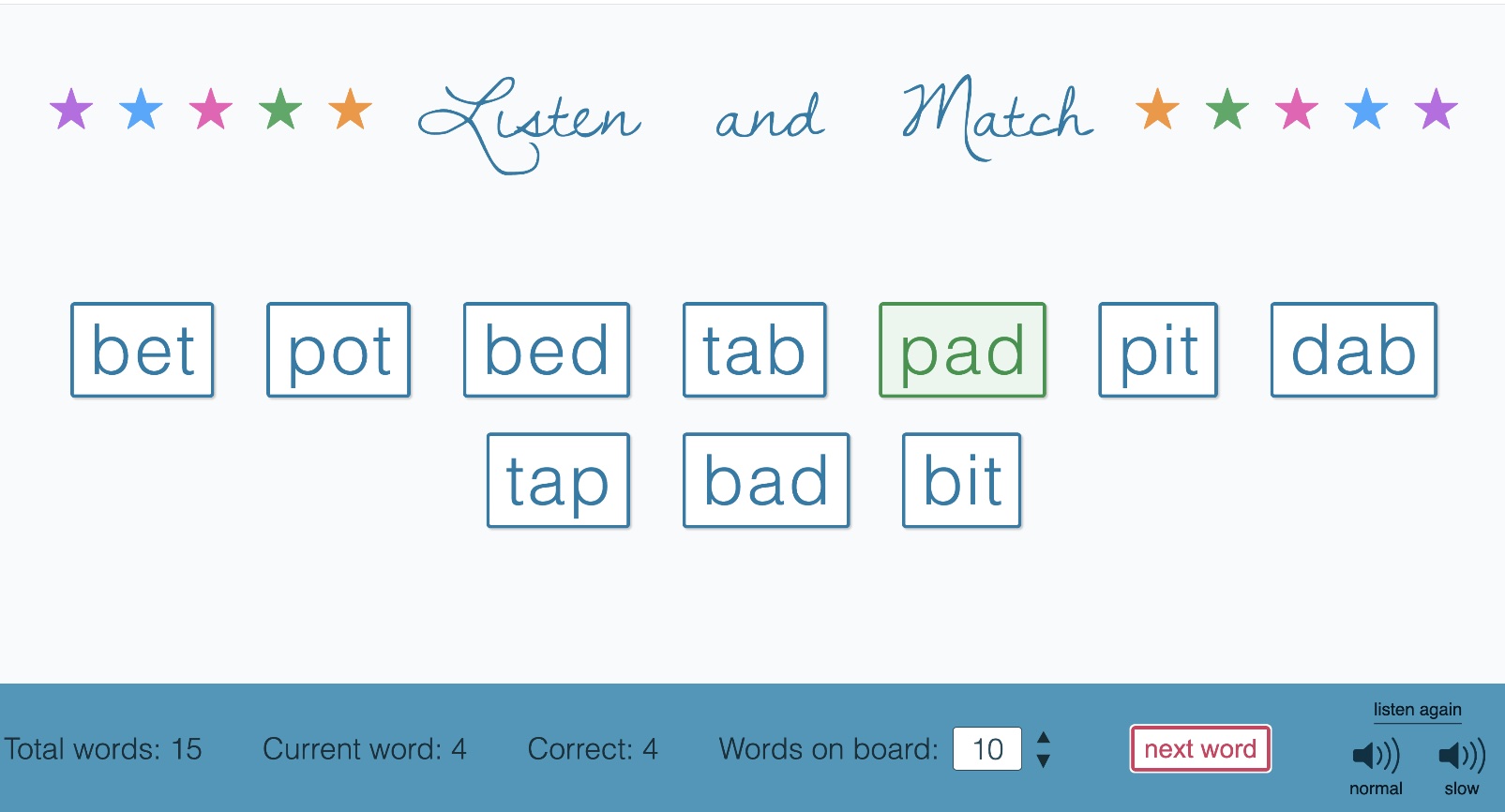
Practice listening and spelling skills with custom word lists. Students pick the word they hear spelled out from a selection of words displayed on the screen.
Verb tenses
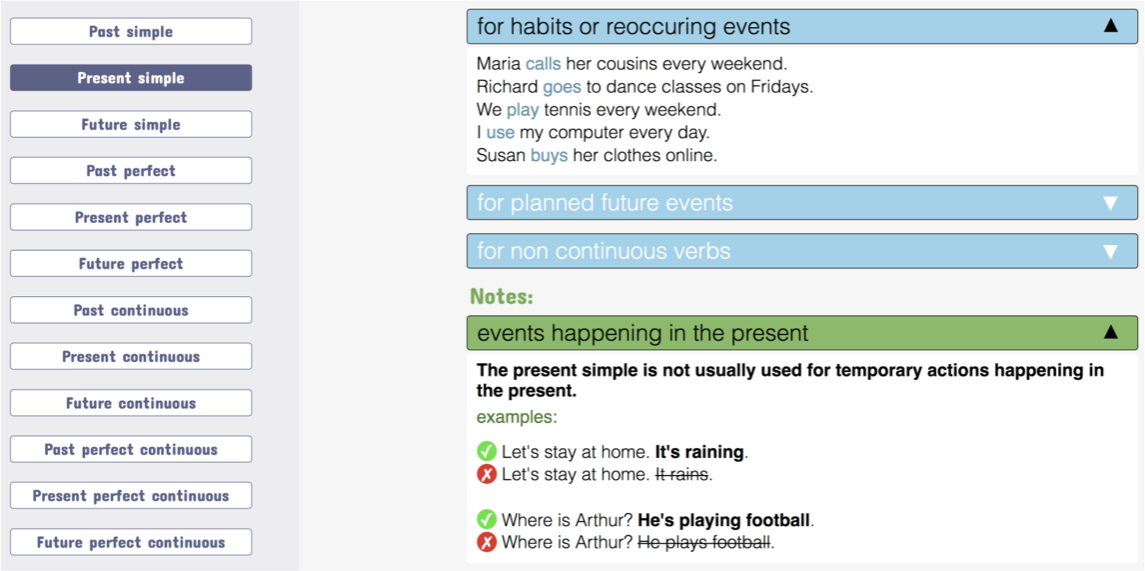
Comprehensive information about each of the different verb tenses, including where it's used, tense-specific notes, and comparisons with related tenses.
Phrasal verbs
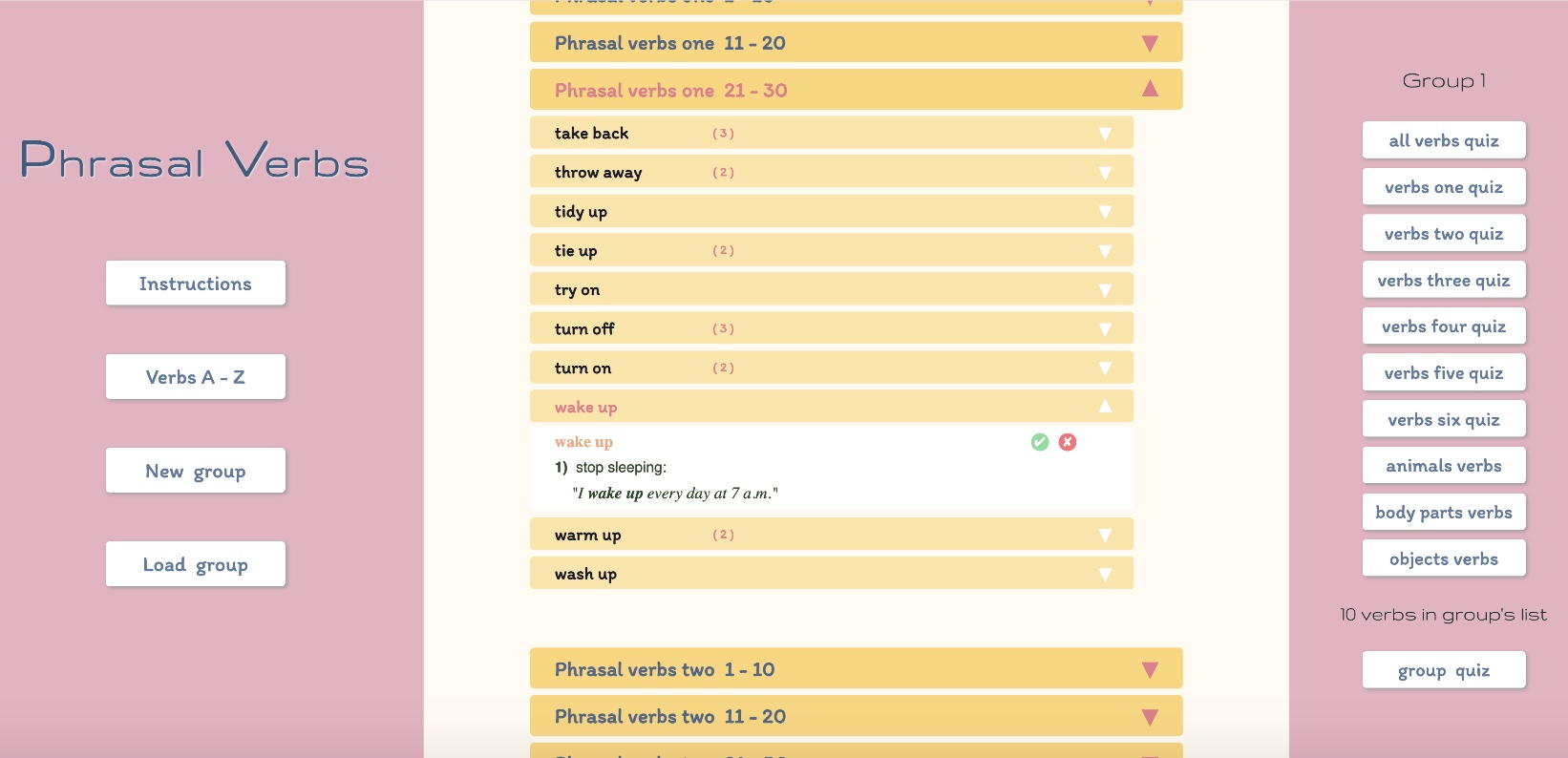
Explore around 280 common phrasal verbs, organized into different categories. Scan each list or click on individual verbs to see definitions and example sentences.
Quantifiers

Drag and drop sentence building tool for practicing correct usage of quantifiers in a fun way. Includes easy to understand guidance notes.
Opposites

Practice and learn opposites through six different interactive activities. Five different vocabulary levels ranging from simple to more abstract.
Numbers

Practice the numbers. Select how many digits to use, then click the button to display a random number. Students try to say the number before revealing the answer.
Random questions

Conversation questions to prompt speaking practice across many different topics. A useful way to engage students in spontaneous discussion.
Bingo

Customizable Bingo games based on themed vocabulary lists. Select which words to use and create matching game cards with the PDF card generator.
Board games
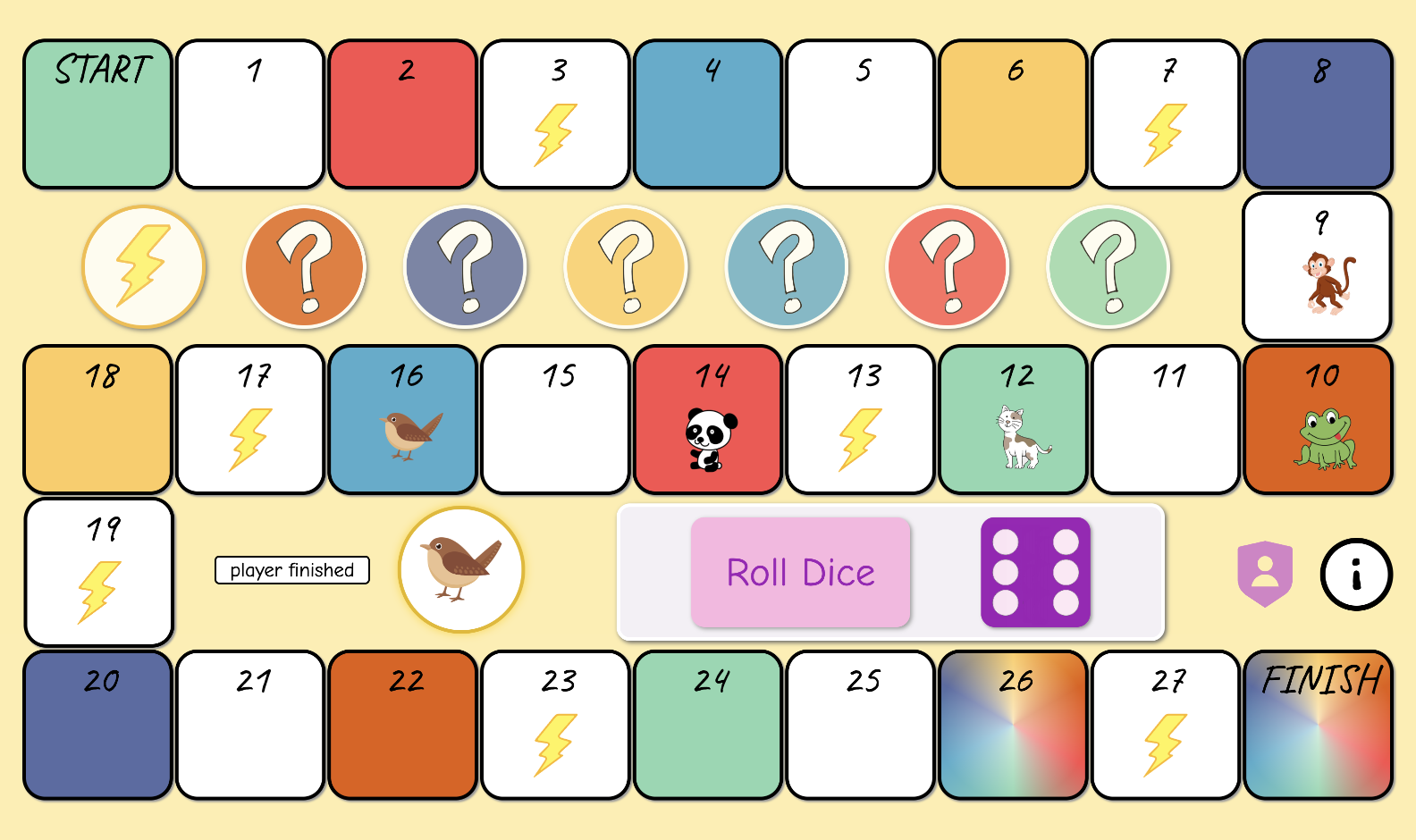
Interactive board games built around different themes. Students answer theme-related questions and take on challenges as they move around the board.
Custom board games
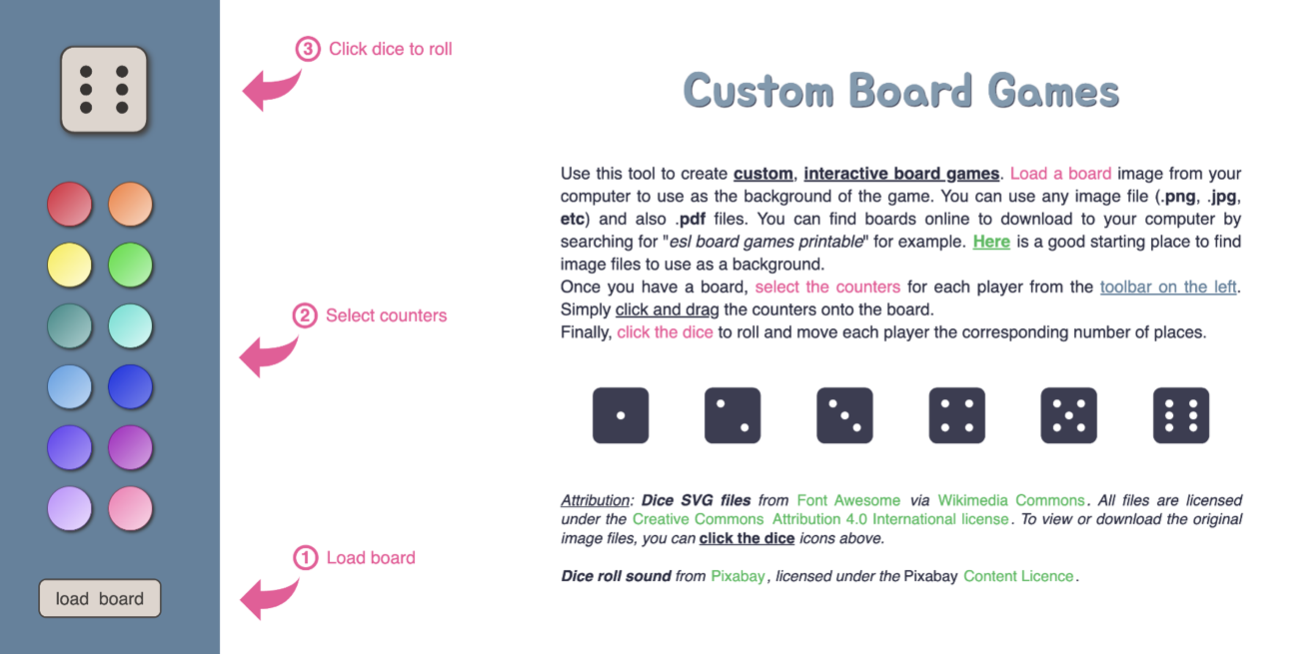
Bring your own games to life by uploading any board image and creating a custom playing surface. Add counters and use the built-in dice for interactive gameplay.
Custom quizzes
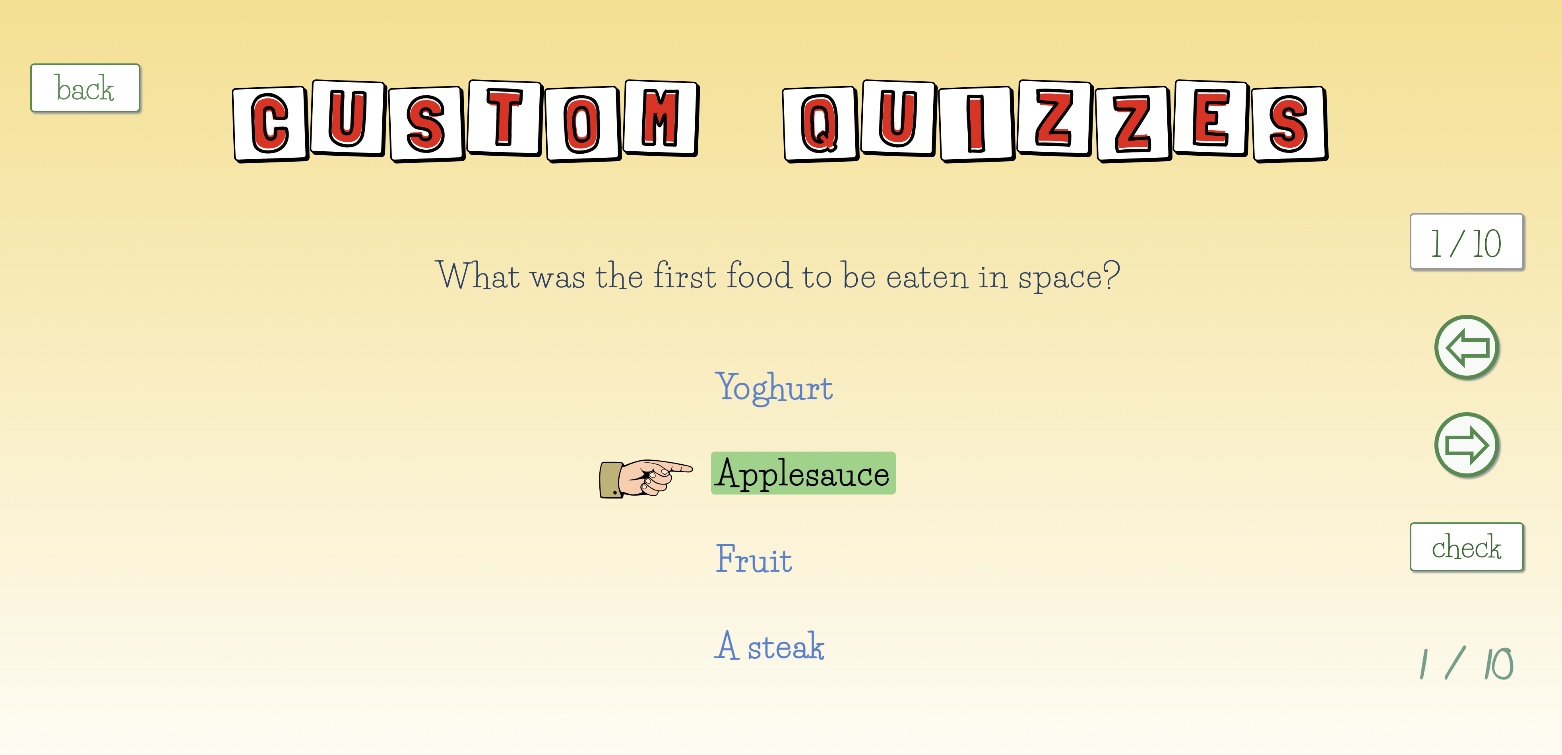
Create, or let your students create, multiple choice quizzes on any topic. Two game modes let students answer questions either individually or as a team.
Hangman

Scan the QR to connect your mobile device, allowing you to secretly add words to the main display. Click the letters on the board as students make guesses.
Guess my identity
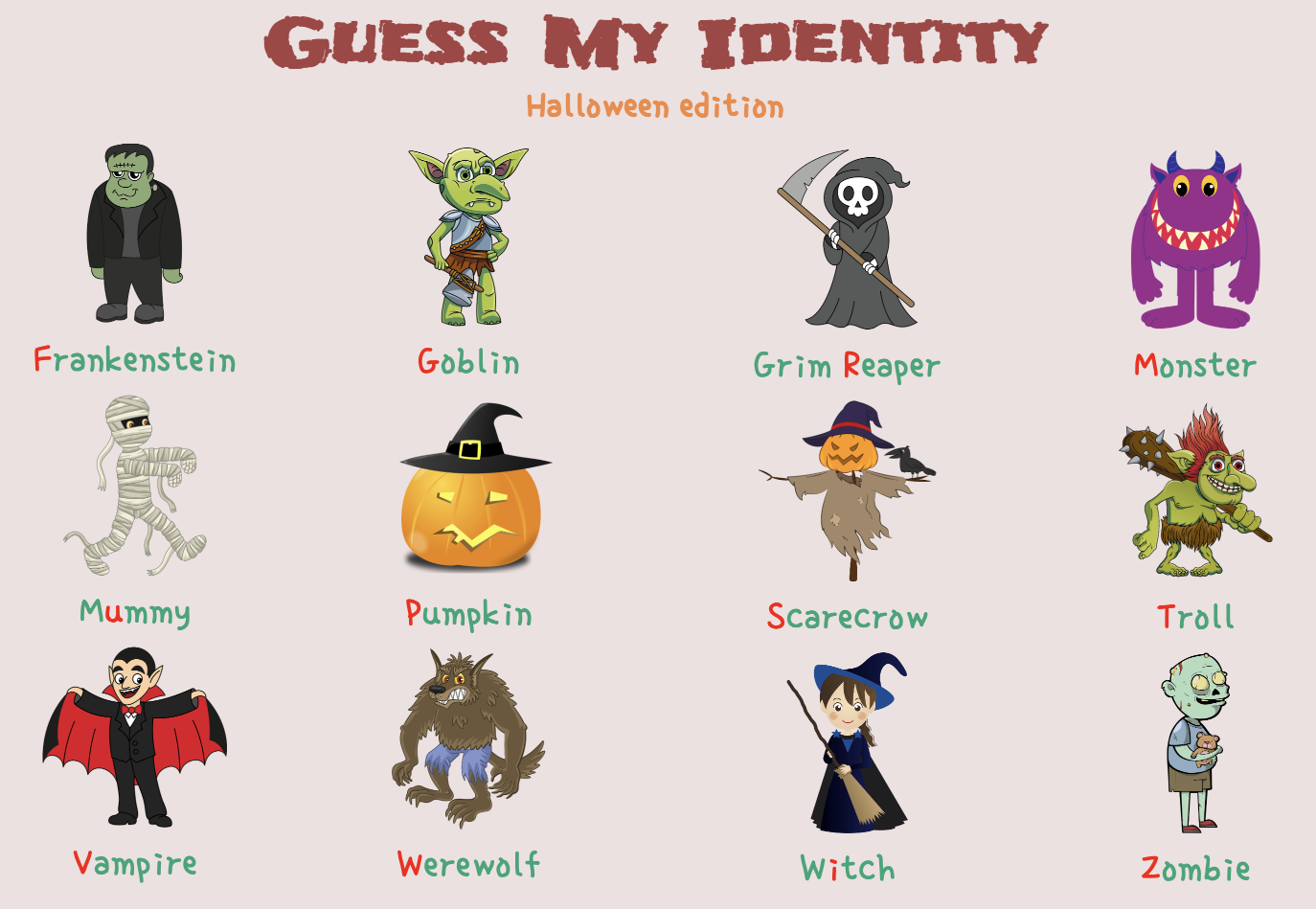
Choose a character by pressing its matching letter on the keyboard. Students then ask questions to eliminate characters until the chosen option is discovered.